The News section of the Enterprise Portal is only available in Root context.
Within the Administration module, Users can create News postings that will be visible to all Users of an Account. The News feature provides a method for distributing messages to a broad audience, which can be more efficient and preferable to using a separate email application.
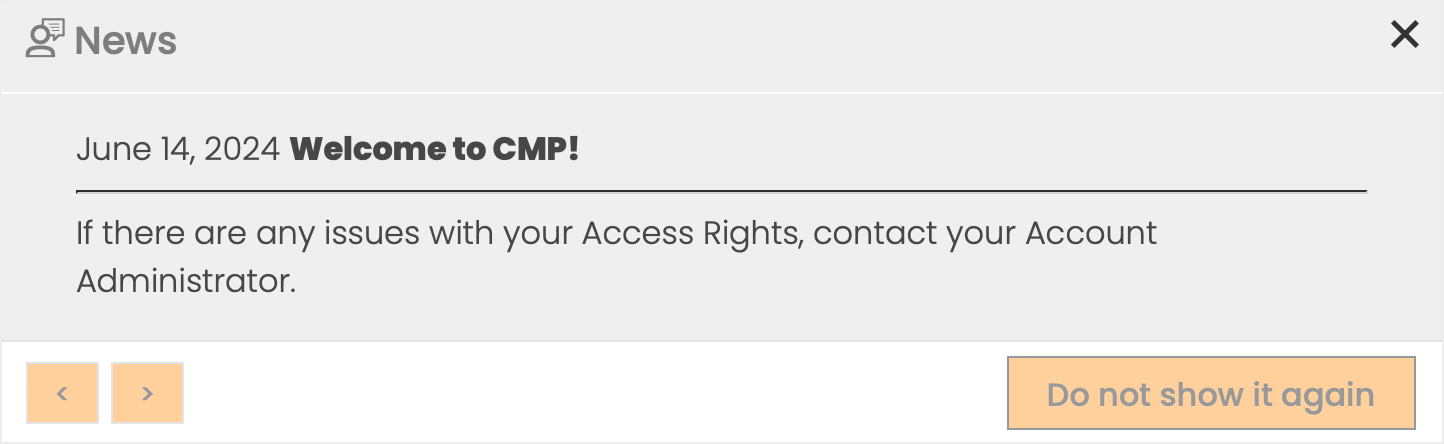
Upon login, all newly created News postings are presented to the User as a pop-up message. The User can scroll through multiple messages with the arrow buttons, and by clicking the Do not show it again button the News posting won't be shown again.
Create a News Posting
To create a News Posting:
Click on the Add News icon.
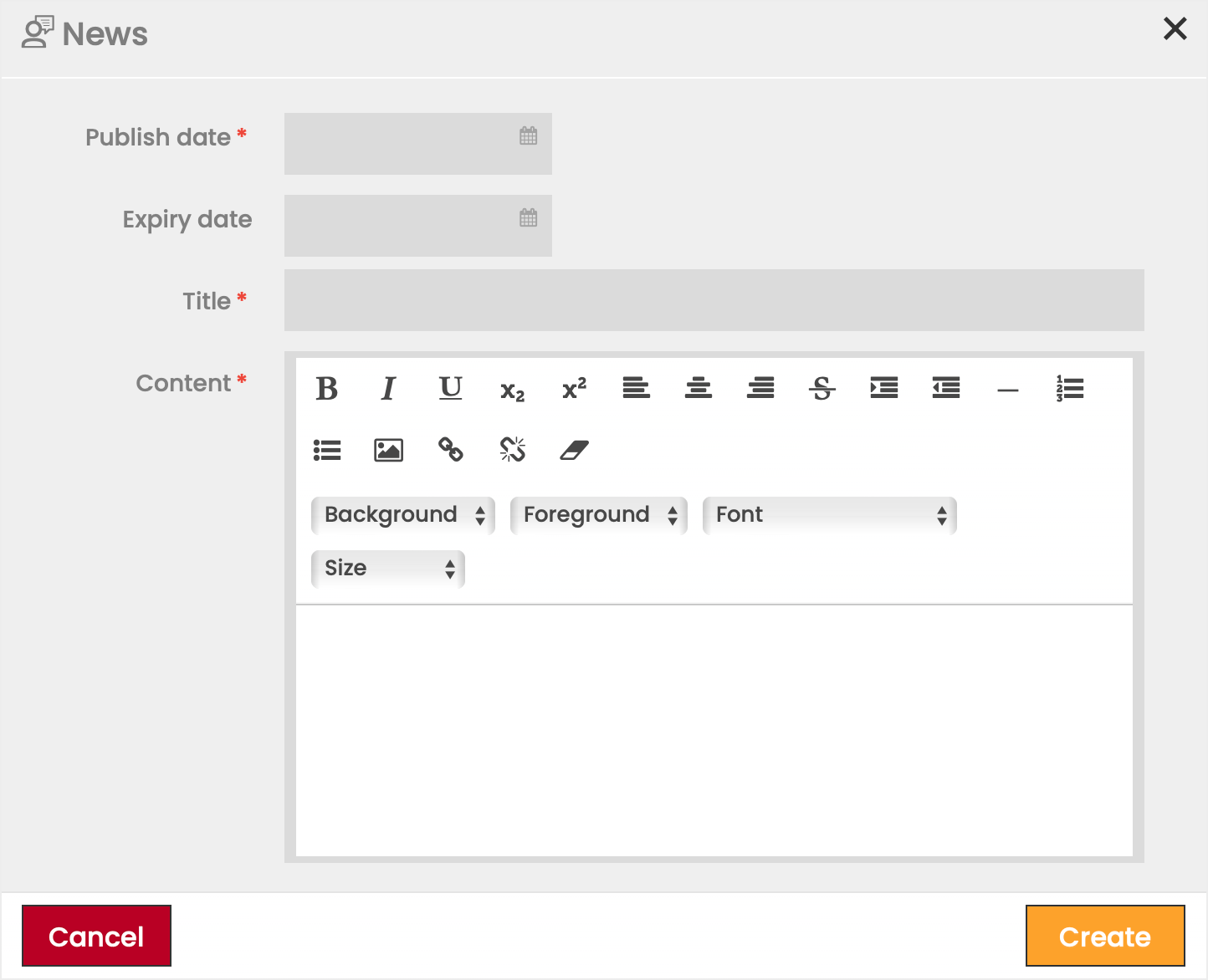
Define the details of the News Posting.
Click Create to confirm.
All previously created News postings can be viewed and edited by clicking the Edit icon and deleted by clicking the Delete icon and confirming the deletion.
The content of a News posting can be seen in the Details Panel or in a popup by clicking the Preview in window icon.